
Guide to Understanding Facebook Insights
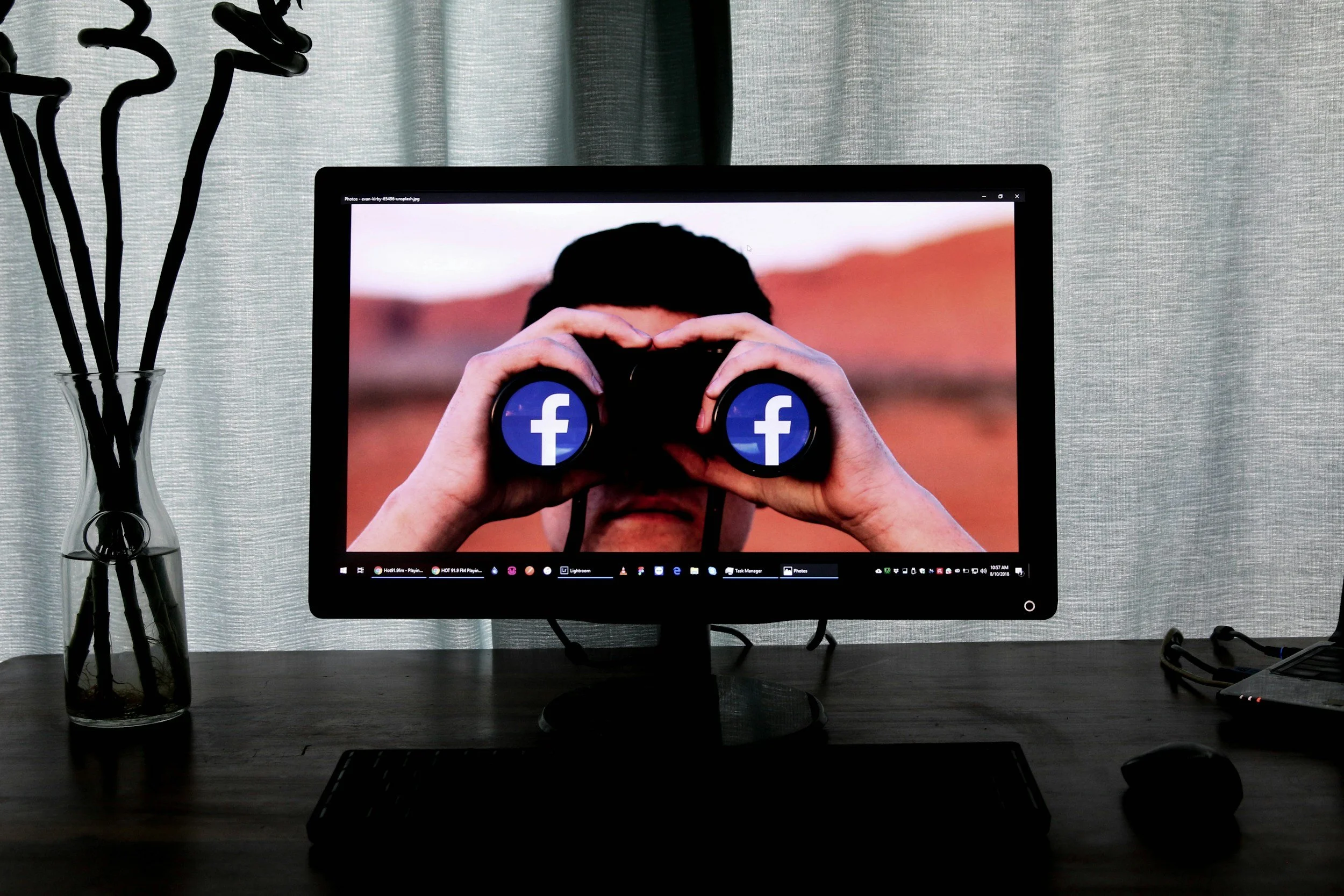
Do you study your Facebook page’s insights regularly? Wait, let me rephrase that. Do you know that Facebook offers insights for business pages? Maybe you’ve heard something about them, but you have no idea where to find them. Or, you have no idea how to make heads or tails of the data. Don’t worry, you’re not alone! Some people would rather watch paint dry than take the time to learn about or study their insights. Let me give you a quick rundown on understanding your Facebook insights below.
WHERE TO FIND YOUR INSIGHTS
If you’re like me, you’re most likely to think about this when you’re in the middle of updating QuickBooks or tackling another task that doesn’t interest you. For that reason, I’ll show you how to access your insights from a desktop computer. Start by opening your business page (assuming you know how to access this) . Directly underneath the blue header, you’ll find a white bar with an “Insights” link to select. If you don’t find it, don’t panic—it might be tucked away under the link titled “More”. Congratulations, you now know where your insights can be found! Okay, okay, try to control your excitement!
OKAY, NOW WHAT?
You’ve now landed on your page summary, where you’ll find your page’s data at a glance. If the numbers seem low, don’t freak! Facebook defaults the summary page to only show data from the last seven days. In the upper left-hand corner, you can change that. Take a moment to skim through the categories. You might learn something about your page’s performance.
HOW MANY FOLLOWERS DO I HAVE?
On the left-hand side, you’ll see a light blue column with several categories. Select “Likes”. This is where you can see how many new page likes you’ve received. And, you can also see how many “Unlikes” you have had. In the upper right-hand corner, you can update the date range. I love to see where page likes have come from. For example, how many have come from a page suggestion in your news feed, directly from your page, or from paid ad placements?
If you have a large number of people who have unliked your page, don’t lose sleep over it. Rather, dig into why. Was there a large number that dropped off on the same day? If so, look back to see what might have been posted on that date. It might not have been what was posted, but rather how much was posted. Remember, posting too much is a thing. Seriously!
WHEN IS THE BEST TIME TO POST?
That’s an excellent question! It’s always best to know when your followers are most likely online and engaging. In the light blue column on the left-hand side, select “Posts”. Bam! There you go! Anything you’d like to know about your followers’ activity over the last seven days is right in front of you. You can find which days were the most popular. You can even find out what hour of the day your followers were most active. All excellent data to keep your eye on!
WHAT ABOUT MY PAGE’S DEMOGRAPHICS?
So glad you asked! On the light blue column, select “People”. Here is where the data gets interesting. You can filter based on your overall followers, people reached, and people who were engaged. You can navigate these filter options by clicking on the tabs near the top of the page. Ever wonder how many of your followers are male versus female? This section is where you’ll find it, along with a breakdown of ages and even where your followers are from.
We’ve really only skimmed the surface, but now that you have a general understanding of how to find your Facebook insights, I hope that you’ll take a few minutes each week to analyze your page’s performance. We’ll dive a bit deeper next time. I didn’t want you to fall asleep on me!
Happy Facebooking!